What does Save2Plaud save?
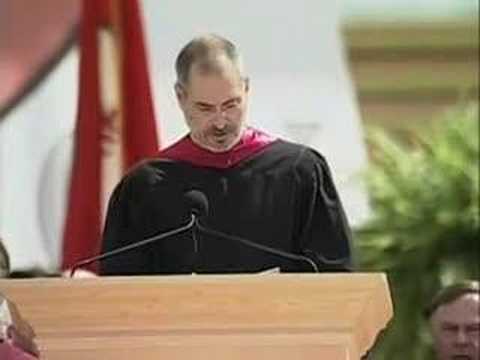
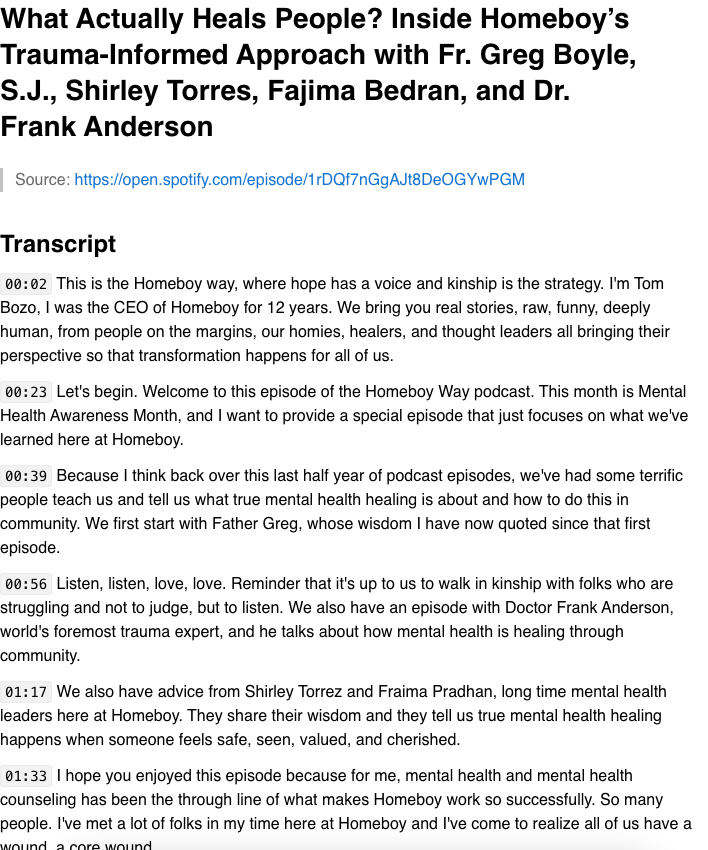
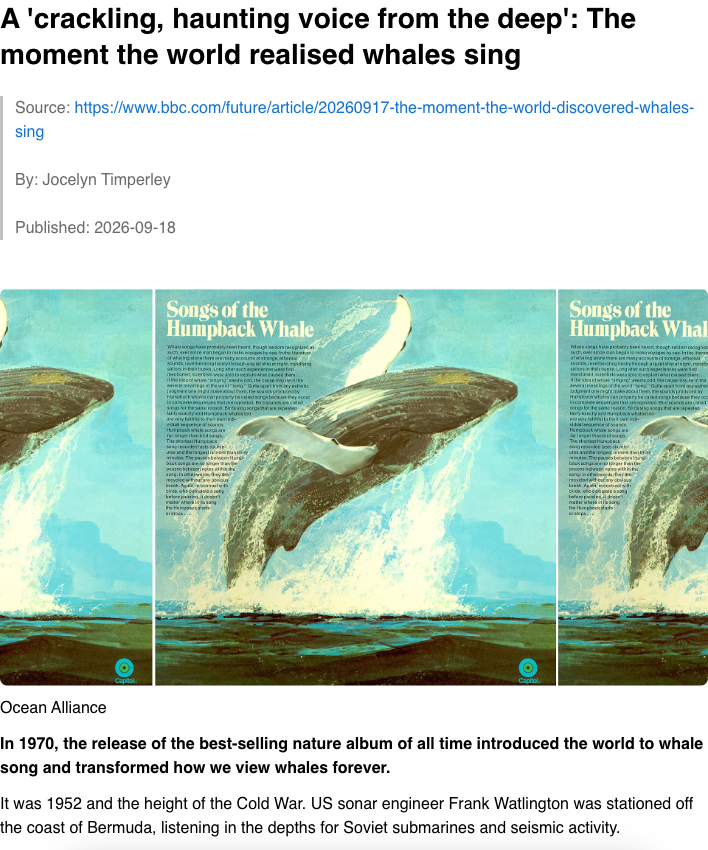
Transcripts from YouTube videos, TED talks, Spotify podcast episodes and any HTML5 video with a captions track, plus the main content of any article page. Everything lands in your own Plaud account as a Markdown document with the source URL and timestamps.
Is my data safe?
Your content never touches our servers. Transcripts, articles and page URLs go straight from your browser to your own Plaud account. You sign in on Plaud's own login page and the extension uses the session already in your browser, so it never sees your password. The only things that reach us are your Plaud account ID and email, to check your subscription, and anonymous usage counts with no titles, URLs or content. You can verify all of this in your browser's Network panel.
Which languages are supported?
On YouTube you can pick any subtitle language the video offers, including auto-generated captions. HTML5 videos offer whichever caption tracks the player carries. TED and Spotify provide the transcript the page itself shows.
How do I log in?
Click Log in in the extension. Plaud's official login page opens; sign in any way you like, then return to the extension. If your Plaud session later expires, the extension says so and shows a Log in link.
Can I get a refund?
Yes. There is a 30-day money-back guarantee. Email
hi@novabox.ai within 30 days of your most recent payment for a full refund.
Is Save2Plaud affiliated with Plaud?
No. Save2Plaud is an independent third-party extension built for Plaud users. It is not affiliated with, endorsed by, or sponsored by Plaud, YouTube, TED, Spotify or Google.